
Local
Free
€0 for the local edition
For organising and printing labels on your computer.
- Product catalog and CSV import / export
- Templates, dimensions and preview
- Individual and batch printing
- Local API for connecting other applications

Free, independent Windows software for products, templates and label printing. Use it locally or connect it to your existing system through the Local API.
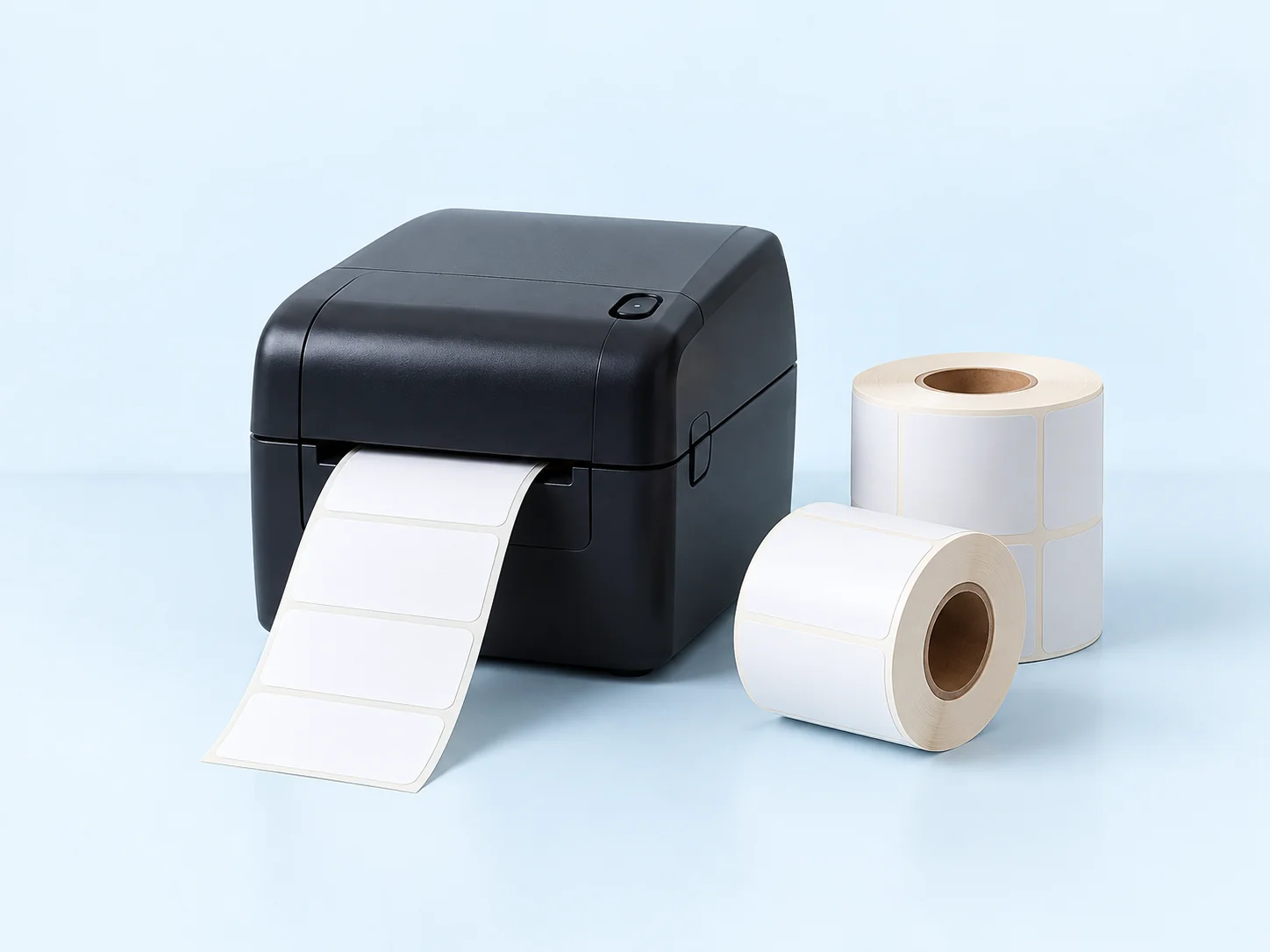
Organise your data, choose a template and send it to print.
Products, categories, and CSV import or export.
Templates, dimensions and a preview before you print.
Individual or batch printing, with job history and status.
Your catalog, templates and printing run on your computer. The local edition and Local API are free, with no Cloud Pro subscription or other DM SOFT product required.
The Local API is included in the free edition. Cooperating applications can send print commands and check their status using your installation’s access key.
Tell us which software you use so we can assess the integration options.
Start with the independent Windows application. Choose the optional cloud edition when you need central management.
Free
€0 for the local edition
For organising and printing labels on your computer.
Paid
Pricing on request
An optional cloud edition for connecting and centrally managing your installations.
Enter just your full name and email. Our team will receive your request and send you the link to the free application.
Windows 64-bit · Free Local application and Local APICompatibility depends on the printer model, Windows driver and label dimensions. Contact us to check your particular setup.
BEFORE YOU START
Installation, printers and integrations — what to know about your own setup.
Another question? Talk to usYes. The local Windows application and Local API are free. Organise products, configure templates and print without a Cloud Pro subscription or another DM SOFT product.
Enter your full name and email in the download request form. The DM SOFT team receives your request and manually emails you the link. Submitting the form does not download a file or automatically email the link.
You need a 64-bit Windows computer and the appropriate Windows driver for your printer. Once you receive the link, download and extract the ZIP, run the installer, then select your printer, label dimensions and template. Check the preview and make a test print.
Compatibility depends on the model, Windows driver and label dimensions. Send those details through the contact form so we can check your setup. Printer details are not required to request the free application.
You can import and export the product catalog through CSV and organise products into categories. An automatic connection to another application is assessed separately as a Local API integration.
The Local API accepts print commands and provides job status using your installation’s access key. The other application needs compatible integration and configuration. Tell us which software you use so we can assess the implementation.
Cloud Pro is optional and paid. It supports needs such as central catalog synchronisation and remote print commands; printing still runs on the local computer. Pricing is provided on request based on your needs.
Tell us about your printer, labels or the system you want to connect. We’ll help you find the right solution with Label Ninja.
The local application and Local API are free. For Cloud Pro, ask for a proposal tailored to your needs.